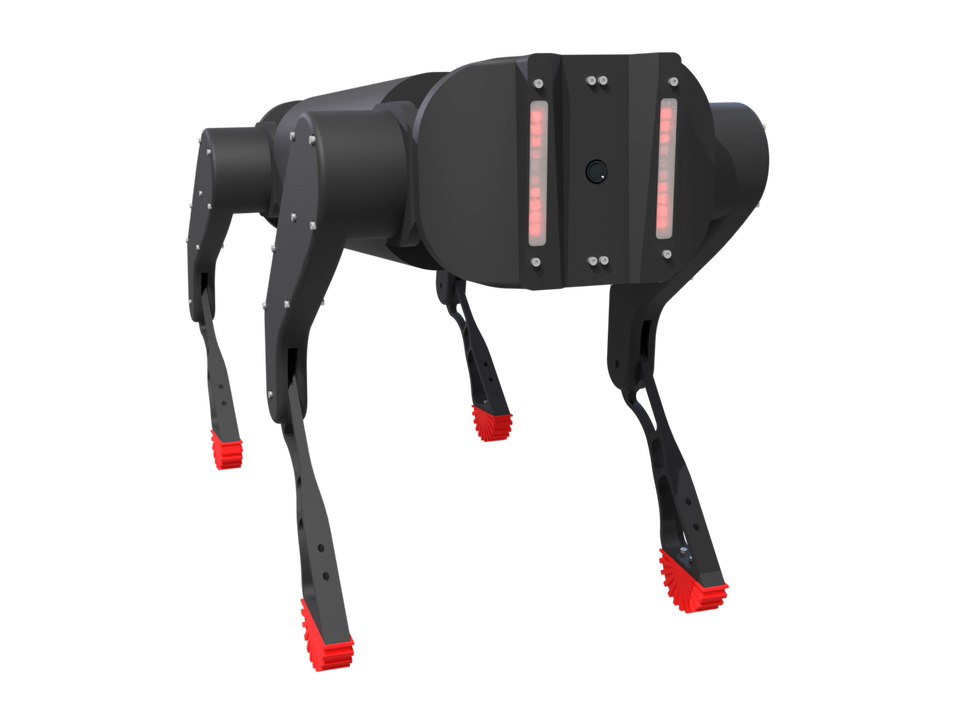
Your idea.
Built with AI.
AI native from the start. Tell your AI what to build. It reads geometry, dimensions and connections to understand how your model fits together, then creates and assembles the parts.
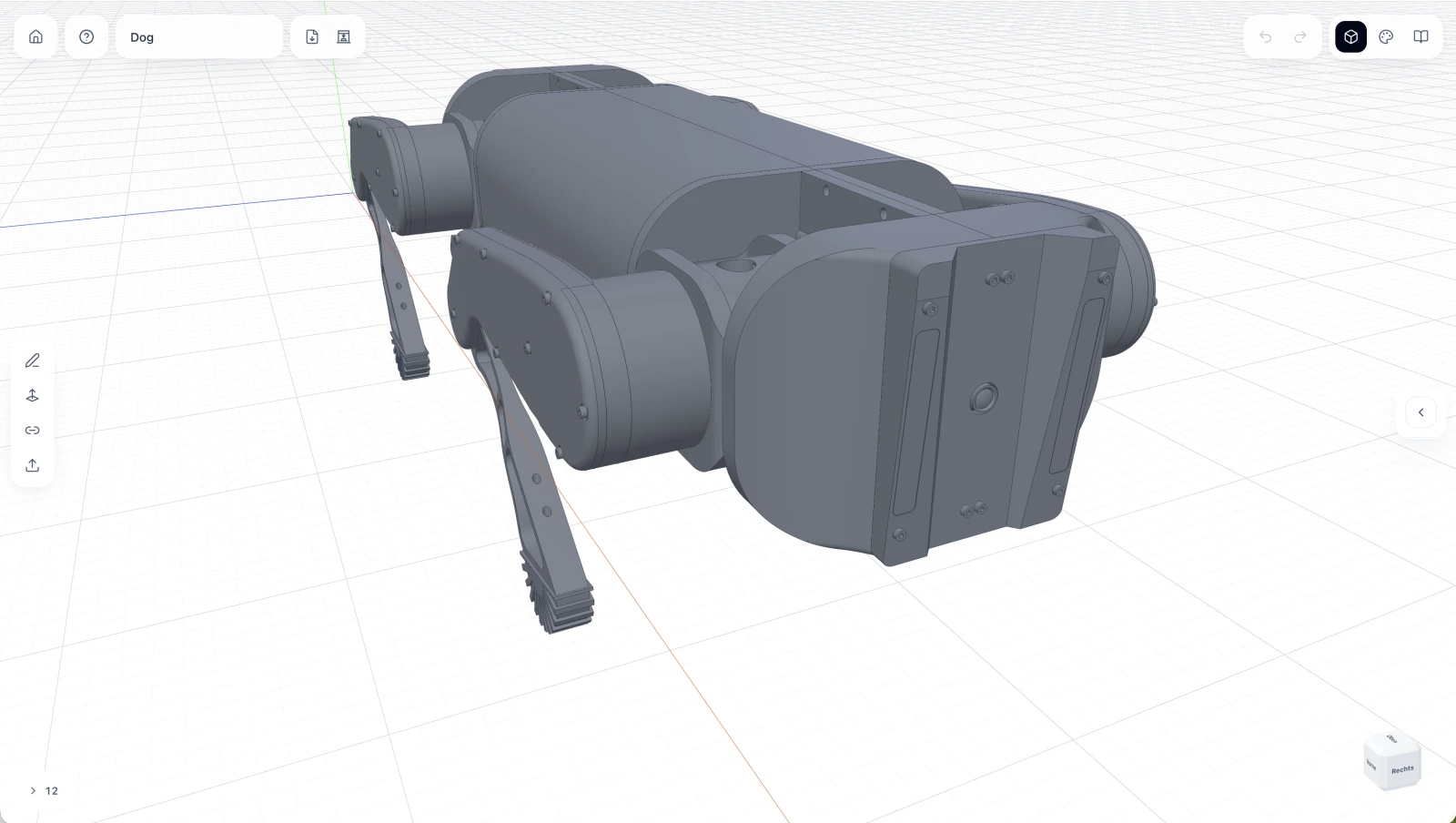
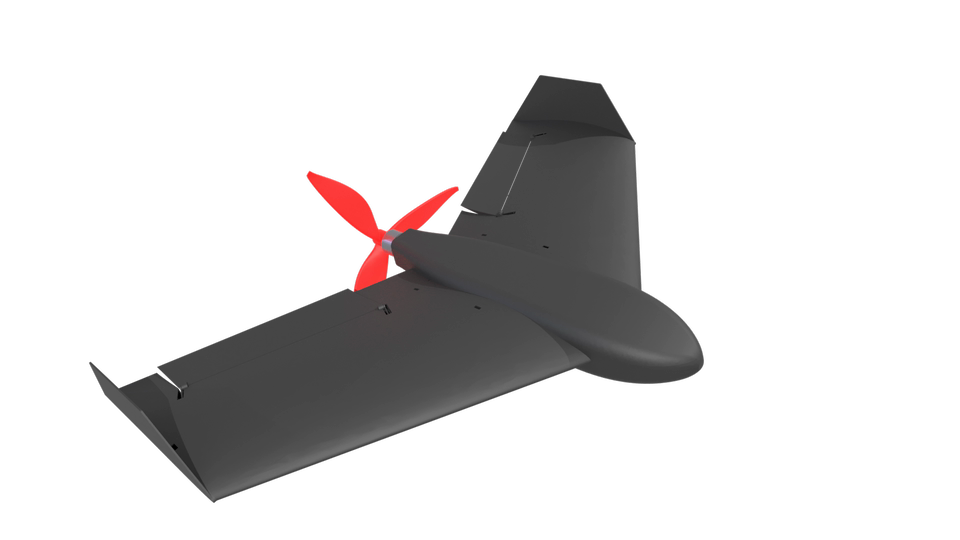
Design parts, animate assemblies and create renders. From the first idea to the final detail.
Works with the AI you already use.
Works with the AI you already use.
AI native from the start. Tell your AI what to build. It reads geometry, dimensions and connections to understand how your model fits together, then creates and assembles the parts.
Describe the movement. Your AI connects parts with joints and animates the whole assembly using their axes, limits and motion constraints. Refine camera paths, lighting and details through conversation.
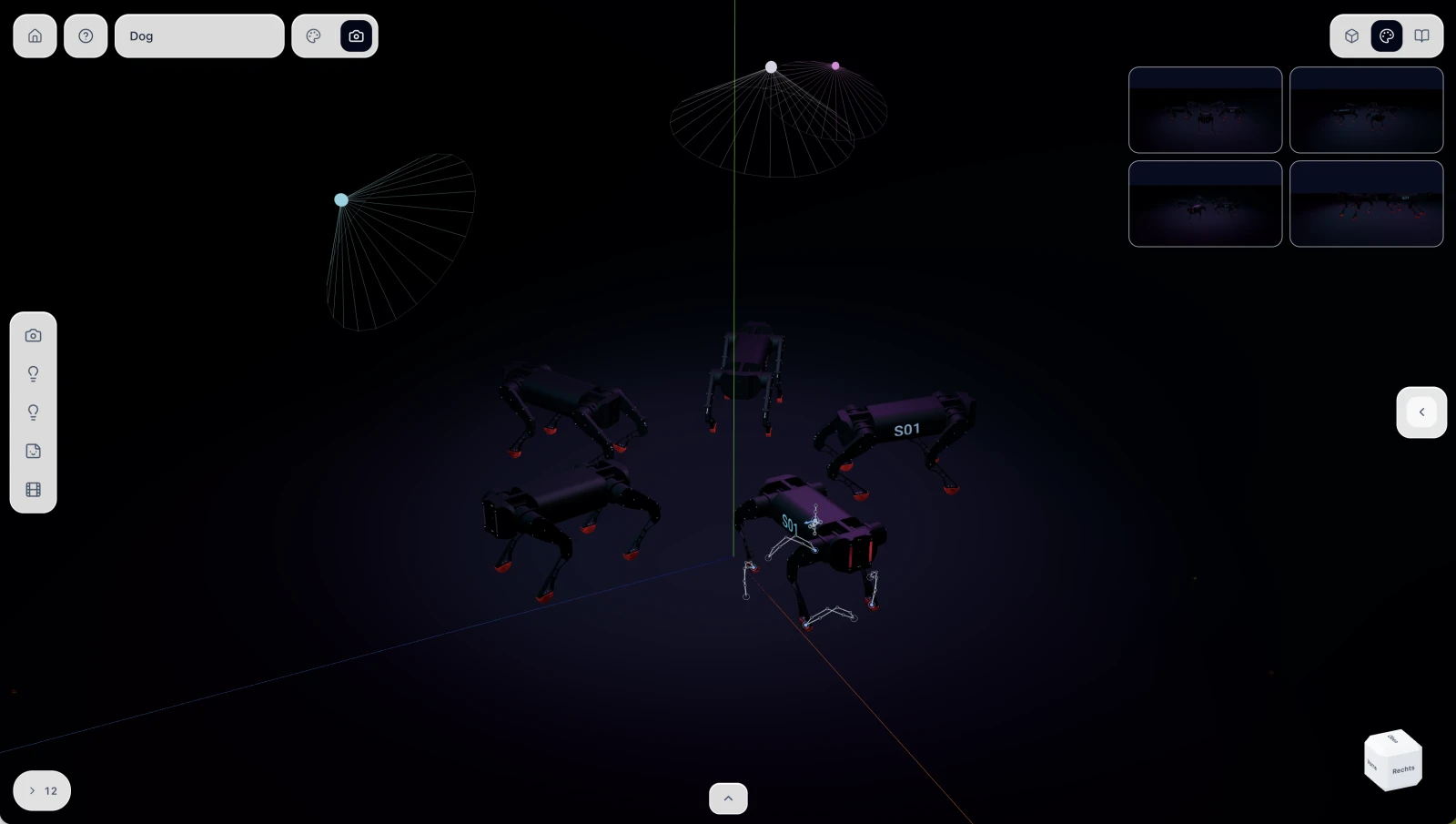
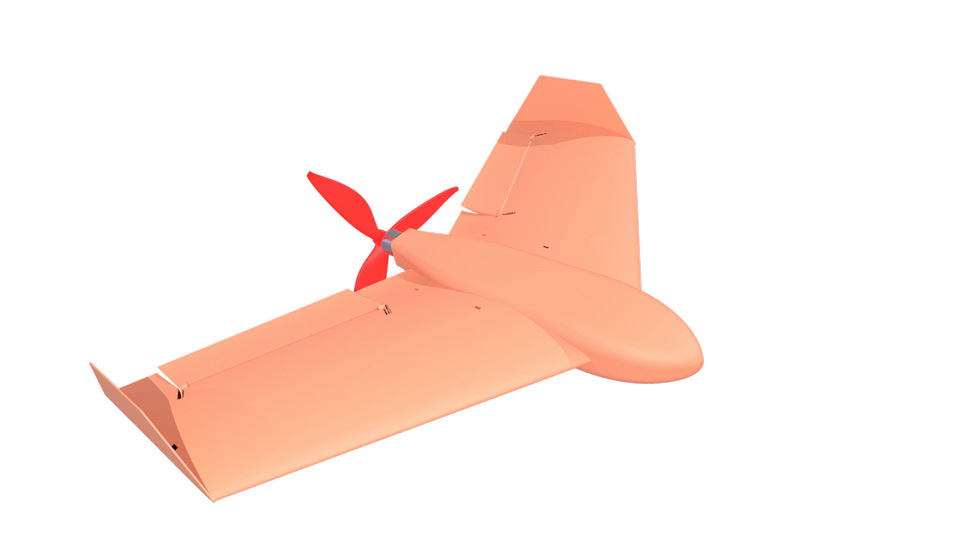
Tell your AI how the scene should look. It sets up materials, lights and cameras. Render the finished scene on our GPUs for detailed images and smooth videos, directly in SingularX.
Start now or watch a short demo.
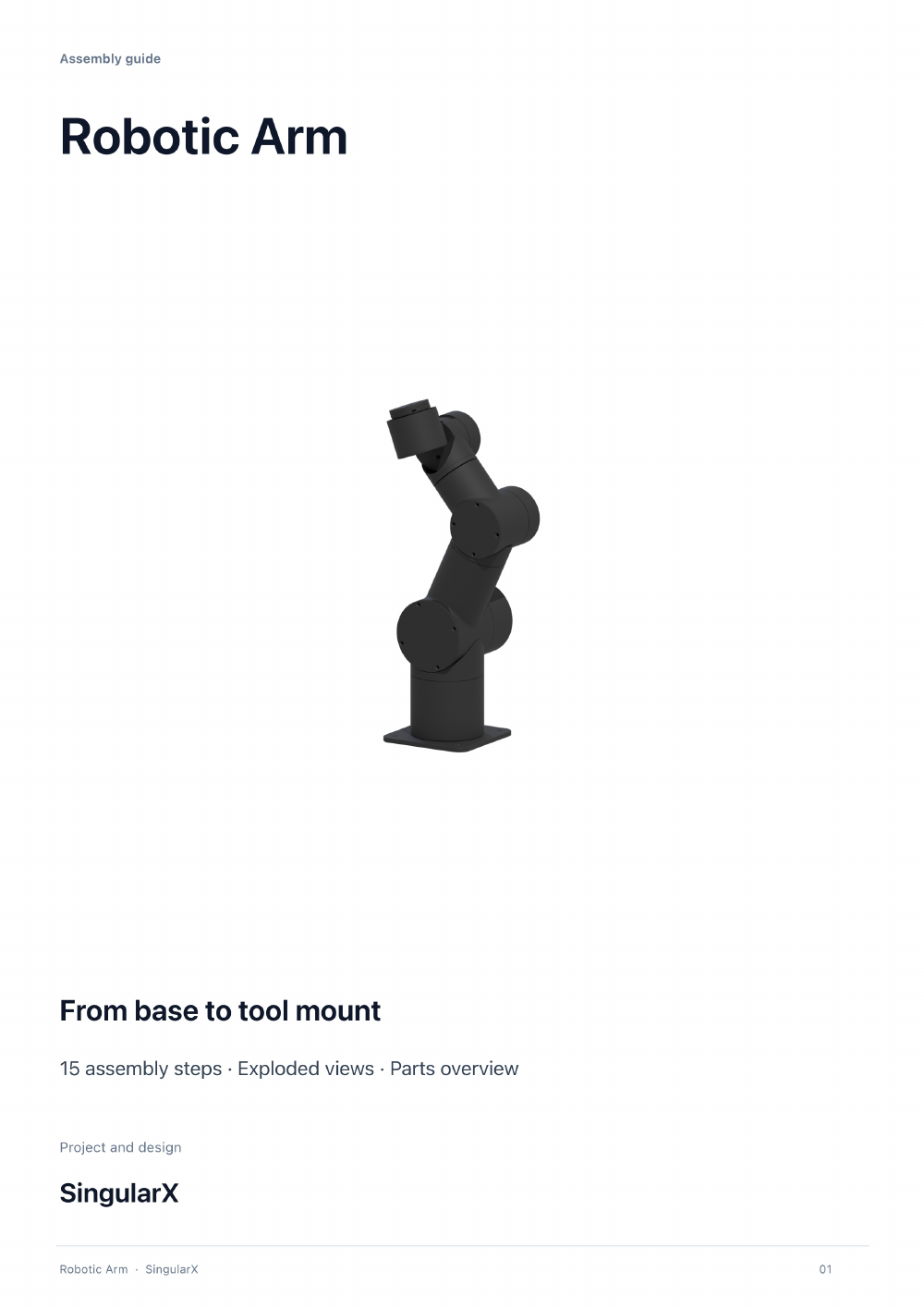
Create an assembly manual right from your project. Organize parts, add model views and explain the assembly step by step.
The tools to design it, move it and make it real.
 SingularX


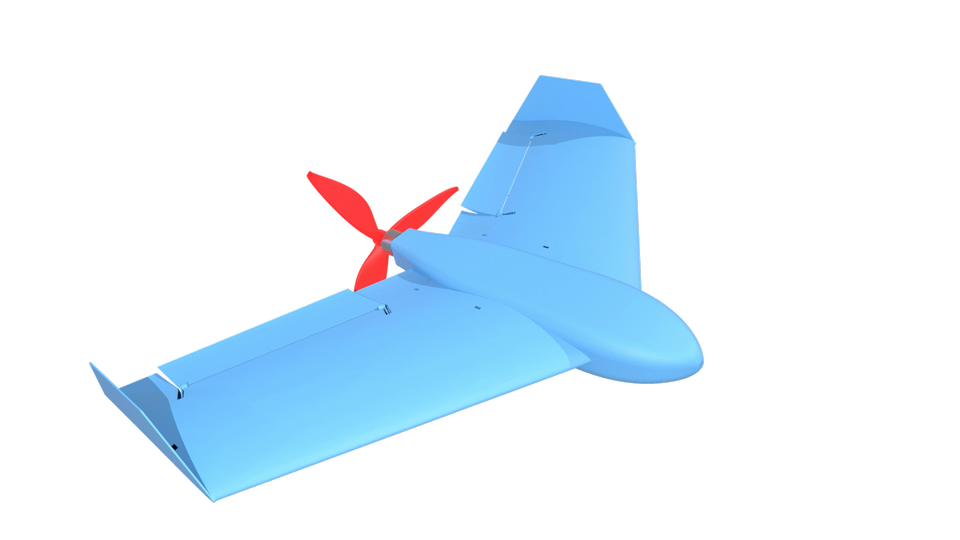
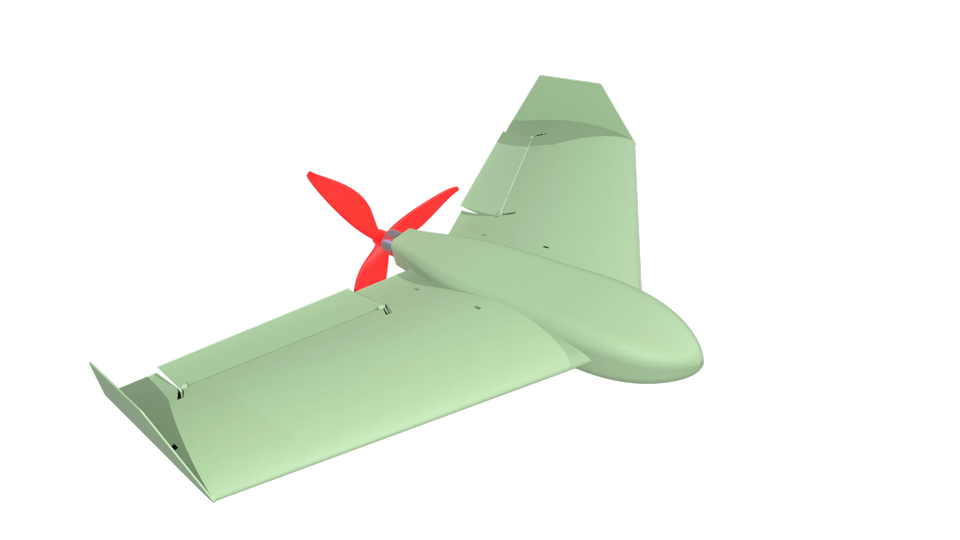
Download the app. Connect your AI. Start building.
Build parametric 3D models, connect parts into assemblies and create images and animations in Render Studio.
Once you set up the local connection, ChatGPT can inspect your open project, construct parts and make changes directly in SingularX. You can continue editing the results in the CAD editor.
Yes. All CAD tools are available without ChatGPT. You decide when to design manually and when to ask AI for help.
Your projects are linked to your SingularX account. In the desktop app, you can choose local availability or access exclusively online for each project and see how much local storage it uses.
Yes. Create a manual with parts, model views and assembly steps right from your project, then share it as a PDF.
Choose “Email me the download link” to receive the download page. Each address receives at most one message within 24 hours.
Yes. You can export models as STEP for further editing or as STL for 3D printing, for example.